Why Do Office Printers Require You to Enter a PIN Before Printing?
In many workplaces, sending a document to the printer does not immediately produce a printed page. Instead, the job is held in the system until the user walks to the printer and enters a PIN code.
This process is known as secure printing and is used in offices where document privacy and control are important.
The Short Answer
Office printers require a PIN before printing so the system can ensure that only the correct person releases the document.
How Secure Printing Works
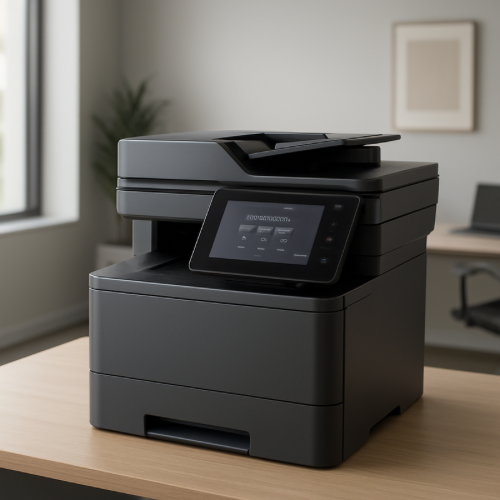
When you send a document to a secure printer, the file is stored in the printer’s internal memory or print server instead of being printed immediately. The system assigns the job to your user account.
To release the document, you must go to the printer and enter your PIN or log in.
Why Offices Use PIN-Protected Printing
In a shared office environment, printers are often used by many people. If documents printed automatically, sensitive information could sit in the output tray where anyone could see it.
Requiring a PIN ensures that documents are only printed when the correct person is physically present.
Reducing Wasted Print Jobs
Secure printing also helps reduce waste. Sometimes users accidentally send documents to the printer or change their mind before printing.
Because the job is held in the system, it will not print unless the user confirms it, which reduces unnecessary paper use.
How This Improves Workflow
PIN-based printing allows multiple users to send documents to the same printer without their jobs getting mixed together. Each person can release their own documents when they arrive at the device.
This keeps printing organized in busy offices.
The Bottom Line
Office printers require a PIN before printing because secure printing systems hold documents until the correct user verifies their identity, improving privacy, reducing waste, and keeping shared printers organized.