Why Does My Work Account Say “Access Denied” Even Though I’m Logged In?
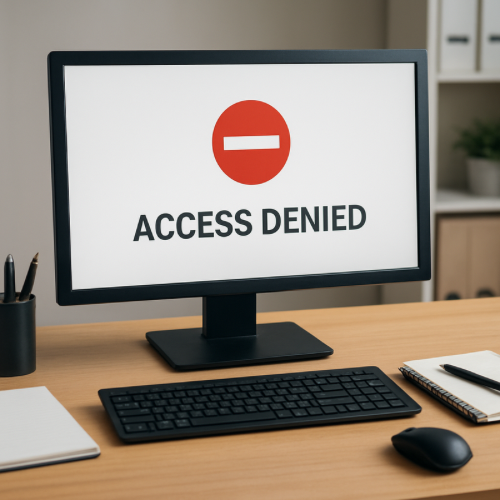
If a workplace system says “Access Denied” even though you are logged in, it usually means your account does not have permission to access that specific feature or resource.
Logging in confirms your identity, but it does not automatically grant access to every part of a system.
How Workplace Access Systems Work
Most workplace software uses role-based access control. This means each user account is assigned a role that determines what parts of the system they can use.
For example:
- Employees may only view their own records
- Managers may view team information
- Administrators may change system settings
If your role does not include permission for a certain action, the system will block it even if you are already logged in.
Common Reasons Access Is Denied
Permission Restrictions
The most common cause is that your account role does not include permission for that specific page or function.
Network Security Rules
Some workplace systems restrict access based on location. For example, you may need to connect through a company VPN before certain tools will work.
Session Token Errors
Many web systems use session tokens to maintain authentication. If the token becomes invalid or expires, certain requests may fail even though the interface still shows you as logged in.
Recent Permission Changes
If an administrator recently changed your access level, the system may require a new login before the updated permissions apply.
Why Systems Separate Login and Permissions
Separating login authentication from access permissions improves security and system management.
It allows organizations to control exactly which employees can access sensitive information or administrative tools.
How This Differs From Account Lockouts
An account lockout usually prevents you from signing in at all.
An access denial happens after login and only affects certain system functions.
Related System Controls
Many digital systems use layered controls to manage risk and prevent misuse. For example, financial systems may temporarily restrict funds using mechanisms like an authorization hold while transactions are verified.
Access restrictions work in a similar way by limiting system capabilities until permissions allow the action.
Real-World Example
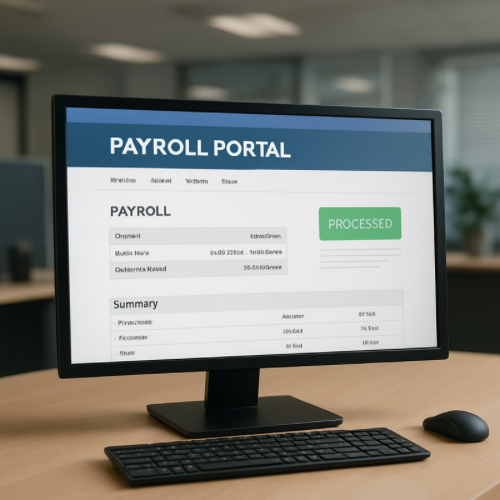
You log into your company’s HR portal successfully. When you attempt to open payroll reports, the system shows “Access Denied” because your employee role does not include payroll permissions.
When It’s Normal vs When It’s Unusual
Normal
- Only certain pages show the error
- The system still allows other functions
- An administrator confirms your role restrictions
Unusual
- You suddenly lose access to tools you previously used
- All pages display access errors
- The problem continues after logging out and back in
What This Means for You
An “Access Denied” message usually means the system is enforcing permission rules rather than experiencing a technical failure.
Bottom Line
If your work account says “Access Denied” while you are logged in, your user role likely does not include permission for that action or the system requires additional authentication such as a secure network connection.