Why Does My Timecard Show “Approved” but Payroll Hasn’t Updated?
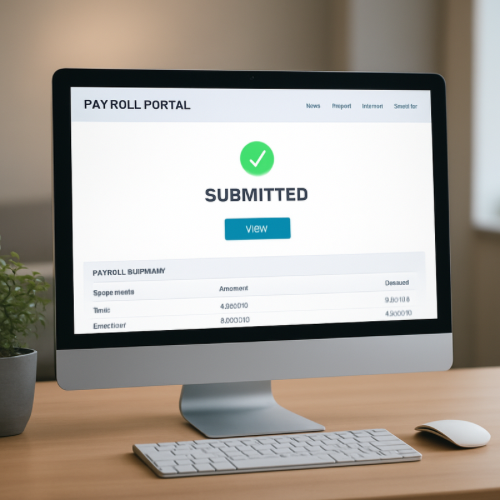
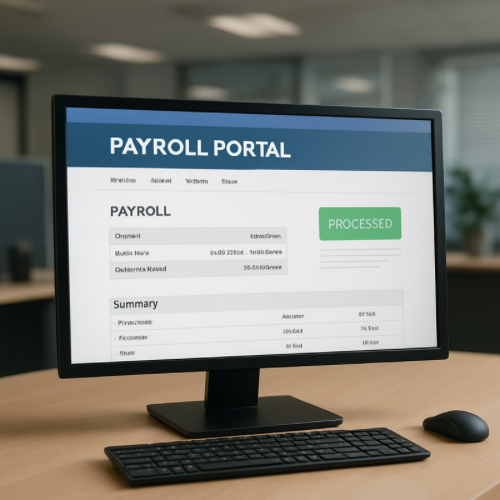
If your timecard shows “Approved” but payroll has not updated, it usually means the timekeeping system and payroll system operate on separate processing schedules.
An approved timecard confirms supervisor validation. It does not automatically mean payroll funds have been calculated or transmitted.
Timekeeping vs Payroll Systems
Many companies use separate platforms for:
- Tracking work hours
- Approving hours
- Calculating wages
- Submitting payroll files
Approval in the timekeeping system is only one step in the broader payroll workflow.
How Payroll Processing Works
After timecards are approved, payroll typically follows this process:
- Hours exported from timekeeping system
- Wage calculations and tax deductions applied
- Payroll file generated
- File submitted to payroll processor or bank
- ACH settlement and posting
If payroll has not yet run its batch cycle, approved hours may not appear in payroll totals.
Why There Is Often a Delay
1. Batch Cutoff Times
Payroll processing often occurs on specific days each week. If approval occurs after the export cutoff, it moves to the next cycle.
2. Manual Review Periods
Some organizations review overtime, bonuses, or corrections before finalizing payroll submission.
3. Separate Databases
Timekeeping and payroll systems may not update in real time. Data transfers often occur on scheduled synchronization windows.
4. Pending Settlement
Even after payroll is submitted, direct deposits move through ACH settlement cycles similar to other bank transactions.
This is different from scenarios involving authorization holds, which apply to card purchases rather than payroll deposits.
How This Differs From a Payment Processing Delay
Payroll timing issues reflect internal workflow sequencing rather than payment network errors.
This is structurally different from situations where a refund shows issued but not yet posted, which involves financial routing through card networks.
Real-World Example
Your timecard is approved on Tuesday afternoon. Payroll exports hours Wednesday morning at 8 AM. Because approval happened after Tuesday’s cutoff, your hours move to the following week’s payroll cycle.
When It’s Normal vs When It’s Unusual
Normal
- Approval occurs near payroll cutoff
- Payroll updates on scheduled processing day
- Deposit appears on official pay date
Unusual
- Hours missing after official payroll run
- Approved hours disappear from system
- No payroll submission record exists
What This Means for You
An approved timecard confirms supervisory review. Payroll updates depend on export schedules, wage calculation cycles, and bank settlement timelines.
Bottom Line
If your timecard shows approved but payroll has not updated, the systems are likely operating on different batch schedules. Approval is an early step, not the final payroll posting stage.