Why Did My Auto-Pay Process Even After I Turned It Off?
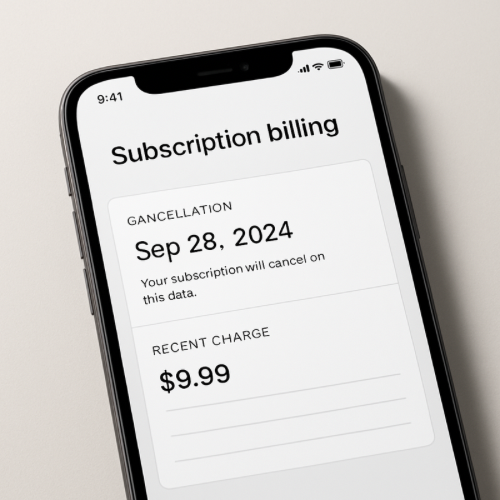
If your auto-pay processed after you turned it off, it usually means the payment had already been scheduled, queued, or submitted to the payment processor before your cancellation request was recorded.
Auto-pay systems operate on billing cutoffs and processing windows, not instantaneous on/off triggers.
How Auto-Pay Scheduling Actually Works
Most recurring billing systems operate in batches. Days before your official due date, the system prepares upcoming payments and schedules them for submission.
That scheduling step often occurs before the visible charge date.
The Cutoff Window Problem
Many companies set an auto-pay cutoff time. For example, auto-pay may lock in 24–48 hours before the due date.
If you disable auto-pay after the cutoff, the current cycle may still process because it has already entered the billing queue.
Queued vs Submitted Payments
There are usually three stages:
- Scheduled internally
- Submitted to payment processor
- Settled through bank network
If your cancellation occurred after the “submitted” stage, the payment may continue through settlement.
Why It Doesn’t Reverse Immediately
Once transmitted to the payment processor, the transaction moves into external financial networks.
At that point, it behaves like any other charge, often involving authorization review similar to an authorization hold before final settlement.
How This Differs From a Duplicate Charge
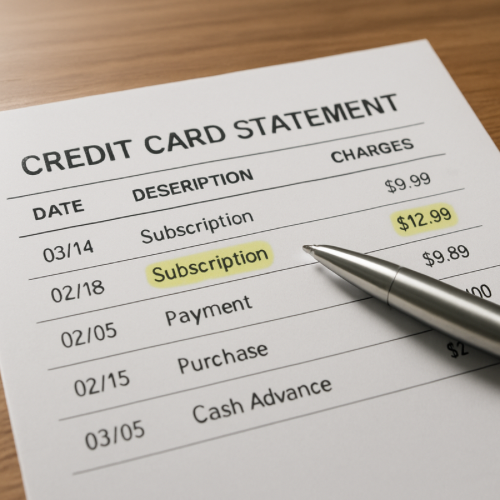
An auto-pay that processes after cancellation is not necessarily a system error. It often reflects timing within a billing cycle.
This is different from situations where a refund shows as issued but not yet posted, which involves return settlement timing instead of forward billing scheduling.
Real-World Example
Your credit card bill is due on March 10. Auto-pay locks in on March 8 at midnight. You disable auto-pay on March 8 at 3 PM. Because the system queued the payment earlier that day, the March cycle still processes.
When It’s Normal vs When It’s Unusual
Normal
- Charge occurs within normal billing window
- Only one payment processes
- Auto-pay remains disabled for future cycles
Unusual
- Multiple cycles process after cancellation
- Charge occurs outside normal billing window
- No record of scheduled payment exists
Why Billing Systems Work This Way
Automated billing reduces late payments and ensures funds are transmitted before due dates. To maintain reliability, systems use advance scheduling buffers.
Those buffers can create timing overlap between cancellation and processing.
Bottom Line
If your auto-pay processed after you turned it off, the payment was likely already inside a billing cutoff window or submitted to the processor. The system followed its scheduled cycle rather than reversing instantly.