Why Do Some Websites Say “Request Timed Out”?
While browsing the internet, you may occasionally see an error message that says “Request Timed Out.” This message usually appears when your device sends a request to a website but the server does not respond quickly enough.
When this happens, the system stops waiting and displays a timeout message.
The Short Answer
A request timed out message appears when a website server takes too long to respond to your device. If the system does not receive a response within a certain amount of time, it automatically cancels the request.
How Website Requests Work
Every time you open a webpage, your browser sends a request across the internet asking the website’s server to deliver the page.
The server processes the request and sends the information back to your device so the page can load.
If the response takes too long, the browser stops waiting and shows the timeout message.
Common Reasons a Request Times Out
Slow Internet Connections
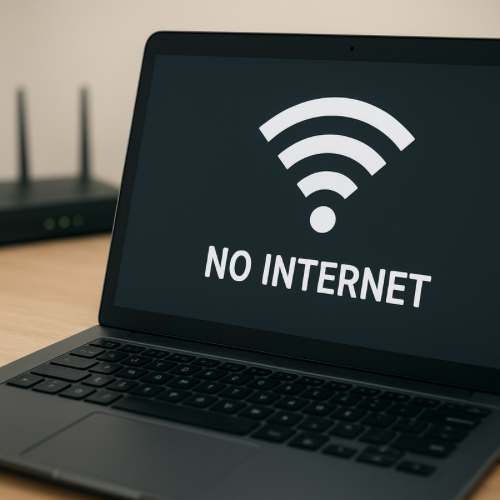
If your internet connection is slow or unstable, the request may take longer than expected to reach the server or return with the requested information.
Server Overload
If many people try to access a website at the same time, the server may become overwhelmed and fail to respond to some requests.
Network Interruptions
Problems in the network path between your device and the server can interrupt communication and prevent a response from arriving.
How Long Systems Wait
Most systems wait a limited amount of time for a response from a server. If the response does not arrive within that window, the system assumes the request failed.
This timeout prevents browsers and apps from waiting indefinitely.
Related System Messages
Many digital systems display messages to indicate that actions are still being handled or temporarily unavailable. For example, some services show the label processing while a request is still being completed.
Online services may also show messages such as expired when a session or request is no longer valid.
The Bottom Line
A request timed out message means your device asked a website for information but the server did not respond within the expected time. This usually happens because of slow connections, overloaded servers, or network interruptions.