Why Does My Wi-Fi Say Connected but There’s No Internet?
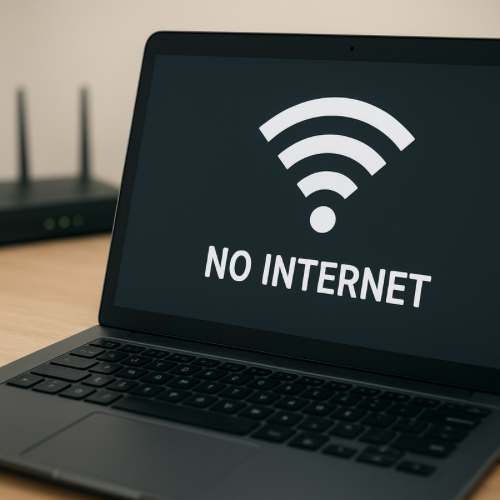
A device can show “connected” to Wi-Fi while still having no internet because connection to the router is separate from connection to the internet service provider.
Local Network vs Internet
When a device connects to Wi-Fi, it links to the router.
The router must separately maintain a connection to the external internet network.
Modem Connection Issues
If the modem loses signal from the service provider, the router may still broadcast Wi-Fi.
This results in a connected status without internet access.
Service Outage
Internet providers may experience temporary outages.
During these periods, devices remain connected locally but cannot reach external websites.
DNS Resolution Problems
Domain name system servers translate website names into IP addresses.
If DNS fails, websites cannot load even though Wi-Fi is connected.
IP Address Conflicts
Occasionally, devices fail to obtain a valid internet protocol address.
This can interrupt external connectivity while maintaining local connection.
Router Firmware Behavior
Routers continue broadcasting wireless signals even during upstream disruptions.
The device display reflects the local connection status only.
Network System Practice
“Connected” confirms a link to the router.
Internet access depends on a separate external network connection.