Why Do Some Websites Show “Your Connection Is Not Private”?
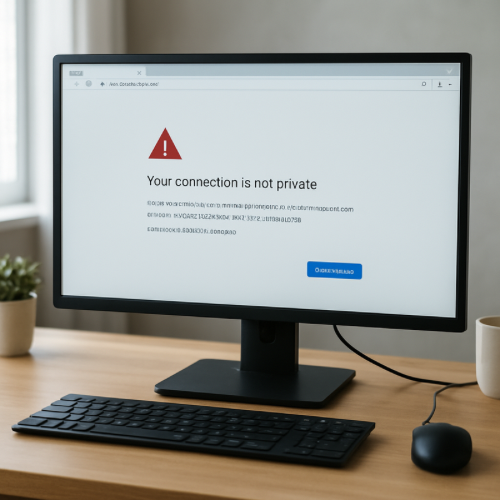
While browsing the internet, you may sometimes see a warning that says “Your connection is not private.” This message appears when a browser cannot confirm that a website connection is secure.
Although the warning can look alarming, it usually appears because the browser cannot verify the website’s security certificate.
The Short Answer
The message “Your connection is not private” appears when a browser cannot confirm that the website is using a valid encrypted connection.
How Secure Website Connections Work
Most websites today use encrypted connections called HTTPS. Encryption protects the information exchanged between your device and the website.
To prove that the connection is secure, websites use a digital security certificate issued by trusted authorities.
Why This Warning Appears
Expired Security Certificates
If a website’s security certificate expires, browsers may no longer trust the connection.
Configuration Problems
Sometimes a website server may be incorrectly configured, causing the browser to detect a security issue.
Network Interference
Public Wi-Fi networks, corporate firewalls, or other systems can sometimes interfere with secure connections.
When This Message Is Common
This warning may appear when visiting smaller websites, newly created pages, or servers that have not updated their security certificates.
Related System Messages
Internet systems often display different messages when connections cannot be completed normally. For example, a browser may show a message explaining that a request has timed out if the server does not respond quickly enough.
In other situations, a website may display a notice that the service is temporarily unavailable if the system is experiencing technical issues.
The Bottom Line
The “Your connection is not private” message appears when a browser cannot confirm that a website connection is secure. This usually happens because the website’s security certificate cannot be verified or has expired.