Why Do Some Apps Ask You to Allow Notifications?
After installing a new app, you may see a message asking whether you want to allow notifications. This message appears because many apps use notifications to communicate updates, alerts, or information directly to your device.
Notifications are small messages that appear on your screen even when the app is not open.
The Short Answer
Apps ask for notification permission so they can send updates, reminders, and alerts to your device. These notifications allow apps to deliver important information without requiring you to open the app.
How Notifications Work
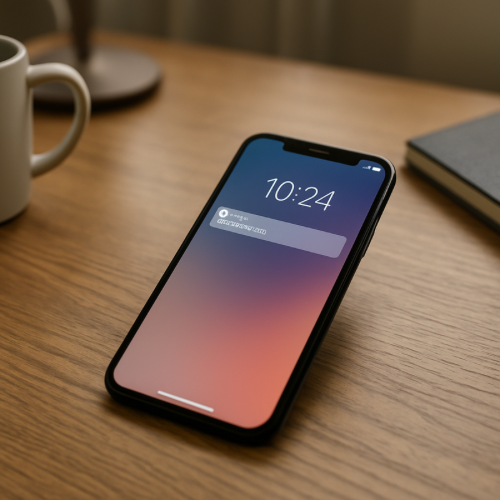
When notifications are enabled, the app can send messages through the operating system of your device. These messages may appear on the lock screen, notification center, or as small banners on the screen.
The operating system controls when and how these messages appear.
Why Apps Use Notifications
Updates and Alerts
Some apps use notifications to inform users about updates, messages, or changes that require attention.
Reminders
Calendar apps, task managers, and other tools often send reminders so users do not forget scheduled events or deadlines.
Account Activity
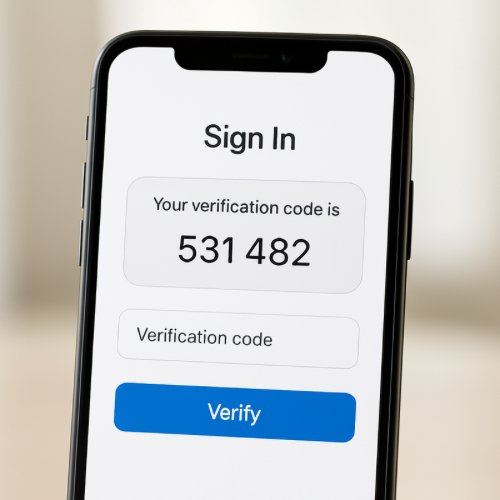
Many apps send notifications when there is activity related to an account, such as login attempts or new messages.
Controlling Notifications
Most devices allow users to choose which apps are allowed to send notifications. These settings can usually be changed later in the device’s notification or app settings menu.
This means users can disable notifications for apps that send too many alerts.
Related System Messages
Apps and online services often display different system messages while actions are still being completed. For example, some services display the label processing when a request has started but is not yet finished.
Online systems may also display messages such as expired when a session or authorization is no longer valid.
The Bottom Line
Apps ask for notification permission so they can send messages, reminders, and alerts directly to your device. These notifications help apps communicate important information even when the app is not currently open.