Why Do Apps Send Verification Codes When You Try to Log In?
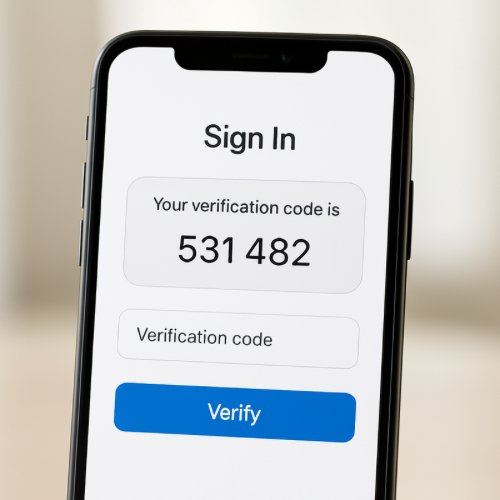
Many apps send a short verification code when you try to sign in. The code may arrive as a text message, email, or notification through another device. You are usually asked to enter that code before the app allows you to continue.
This extra step is part of a security process designed to confirm that the person attempting to log in is actually the account owner.
The Short Answer
Apps send verification codes to confirm that the person logging in has access to the phone number, email address, or device linked to the account.
How Login Verification Works
When you enter your username and password, the app first checks whether the information matches the account stored in its system. If the credentials appear correct, the system may trigger an additional verification step.
The app generates a temporary code and sends it to a contact method connected to your account, such as your phone or email.
Why This Adds an Extra Layer of Security
Passwords can sometimes be guessed, stolen, or leaked in data breaches. Verification codes add another layer of protection because someone would also need access to your phone or email to complete the login.
This process is often called two-factor authentication.
Why Codes Expire Quickly
Verification codes usually expire within a few minutes. This prevents someone from using an old code if they somehow obtain it later.
Short expiration times make the login process more secure.
Why Apps May Request Codes on New Devices
Many systems send verification codes when you log in from a new phone, computer, or location. The app may treat unfamiliar devices as a possible security risk.
By sending a code, the system confirms that the person signing in still controls the account’s contact information.
The Bottom Line
Apps send verification codes during login to confirm the identity of the person trying to access the account. This security step helps protect accounts from unauthorized access and adds an additional layer of protection beyond passwords.