Why Does My App Say “Session Expired” While I’m Still Using It?
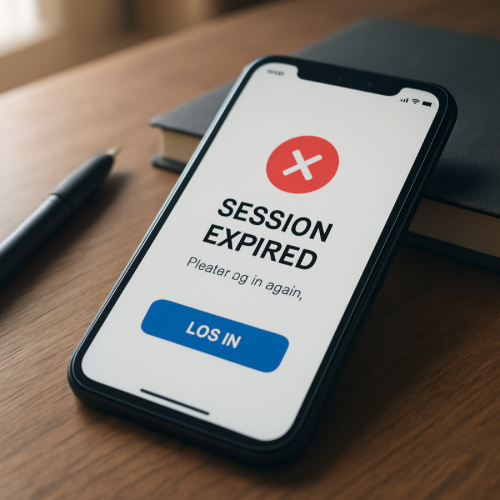
If your app says “Session Expired” while you’re still using it, it usually means the authentication session token has timed out or been invalidated on the server.
Even if the app screen appears active, the security session behind the scenes may have ended.
What a Session Actually Is
When you log into an app, the system creates a temporary session. This session allows the app to recognize you without asking for your password on every action.
The session is typically controlled by a time-based security token.
Why This Happens (The Mechanism)
1. Security Timeout Limits
Many apps automatically expire sessions after a defined period of inactivity, even if the screen remains open.
Background activity does not always count as user interaction.
2. Token Expiration
Authentication tokens are issued with expiration timestamps. When the timestamp passes, the server rejects further requests.
3. Server-Side Reset
If the app server restarts, updates, or refreshes security keys, existing sessions may be invalidated.
4. Network Interruptions
If your device temporarily loses connection, the app may fail to refresh its session in time.
This relates to how network status interruptions can disrupt background authentication refresh cycles.
How This Differs From Account Lockouts
A session expiration is temporary and security-based. It differs from account restrictions such as verification required messages, which involve account-level checks.
When It’s Normal vs When It’s Unusual
Normal
- App left open for extended period
- Device switched between networks
- App updated in background
Unusual
- Session expires every few minutes consistently
- Expiration occurs immediately after login
- Multiple devices logged in simultaneously cause forced logout
Real-World Example
You log into a banking app and leave it open while reading transaction history. After 15 minutes, the app requests login again. The screen appeared active, but the session timeout threshold was reached.
What This Means for You
A “Session Expired” message typically reflects security protection rather than account problems. Logging in again establishes a new authenticated session.
Bottom Line
If your app says “Session Expired” while you’re still using it, the system likely reached its security timeout or invalidated the authentication token. This is a standard security safeguard built into most modern applications.