Why Do Phone Apps Ask You to Verify Your Identity Again After You Already Logged In?
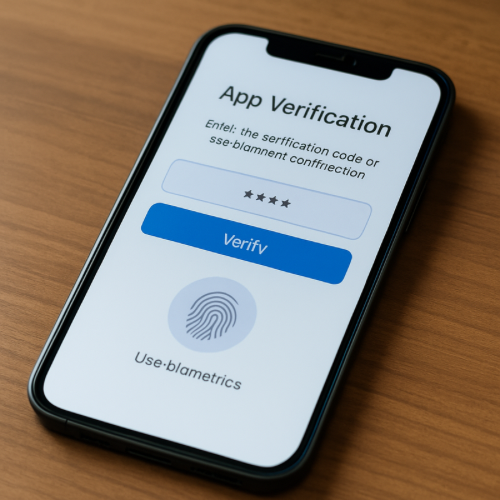
You open an app, you’re already logged in, everything looks normal—and then suddenly it asks you to verify your identity again. It might send a code, ask for your fingerprint, or require you to confirm your password.
This can feel unnecessary or repetitive, especially when you just logged in. But this behavior is part of how modern apps manage security and protect your account.
The Short Answer
Apps ask you to verify your identity again because certain actions, time gaps, or system checks trigger additional security steps to protect your account.
What “Being Logged In” Actually Means
When you log into an app, the system creates a session. This session acts like a temporary pass that tells the app you’ve already been verified.
However, that session is not permanent. It has limits and conditions that control how long it stays active and what actions it allows.
Session Timeouts
Apps often expire sessions after a certain amount of time, especially if the app has been inactive. This prevents someone else from picking up your device and accessing your account later.
When the session expires or becomes less trusted, the app may ask you to verify your identity again.
Triggering Sensitive Actions
Even if you are logged in, some actions require extra verification. For example, changing account settings, making a payment, or viewing sensitive information may trigger a second check.
This ensures that the person performing the action is still the authorized user.
Device and Location Changes
If the app detects that you are using a new device, a different network, or an unusual location, it may require additional verification.
This helps protect against unauthorized access from unknown sources.
Security Risk Detection
Apps constantly monitor activity patterns. If something seems unusual—such as rapid actions, unexpected behavior, or multiple login attempts—the system may require verification as a precaution.
This is part of automated fraud and security protection.
Why It Feels Inconsistent
Sometimes you can use an app for a long time without being asked to verify again, and other times it happens quickly. This is because the system adjusts based on risk, time, and activity.
It is not a fixed rule—it is a dynamic security process.
When It’s Normal vs Unusual
It is normal for apps to occasionally ask for additional verification, especially after time has passed or when performing sensitive actions.
If it happens constantly without reason, it may indicate a configuration issue or repeated login problems.
The Bottom Line
Apps ask you to verify your identity again because login sessions are temporary and certain actions or conditions trigger additional security checks. These extra steps help protect your account, even if they feel repetitive.