Why Does My Bank Show a “Shadow Balance” in My Mobile App?
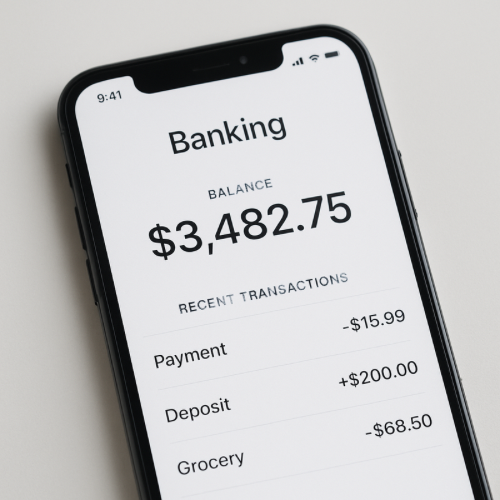
If your bank shows a “shadow balance” in your mobile app, it usually represents a provisional calculation that includes pending transactions or internal adjustments that have not officially posted to the account ledger.
The shadow balance is not a separate account. It is a preview balance generated by the bank’s real-time processing system.
What a Shadow Balance Actually Is
Traditional bank accounts operate on a formal ledger. Transactions post in batches, often overnight.
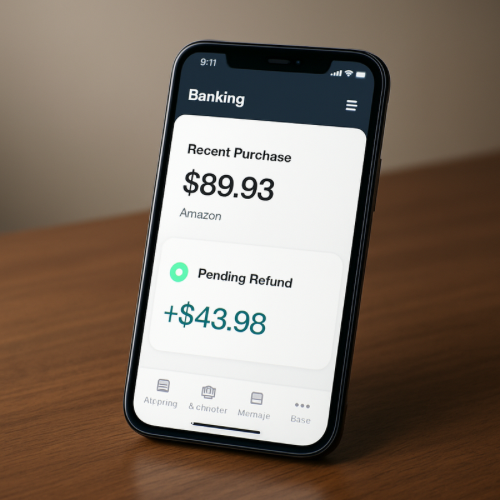
Mobile banking apps, however, attempt to display more current activity. To do this, they calculate a temporary running balance based on:
- Pending debit authorizations
- Recent deposits not fully settled
- Internal holds
- Provisional credits
This calculated number is sometimes referred to as a shadow balance.
Why This Happens (The Mechanism)
1. Real-Time Authorization Data
When you swipe your card, the merchant requests authorization. That request reduces your usable funds immediately, even though the transaction has not officially posted.
This is similar to how an authorization hold temporarily reduces available funds before final settlement.
2. Batch Settlement vs Real-Time Display
Most banks still process official ledger entries in settlement batches.
The app calculates a projected balance using transactions waiting in the queue.
3. Internal Risk Controls
Banks may temporarily adjust balances to account for risk flags, returned payments, or large authorizations.
4. Deposit Verification Timing
Deposits may appear in the app before final clearing. The shadow balance reflects provisional availability.
Why It Can Differ From Available Balance
Some banks display multiple balances:
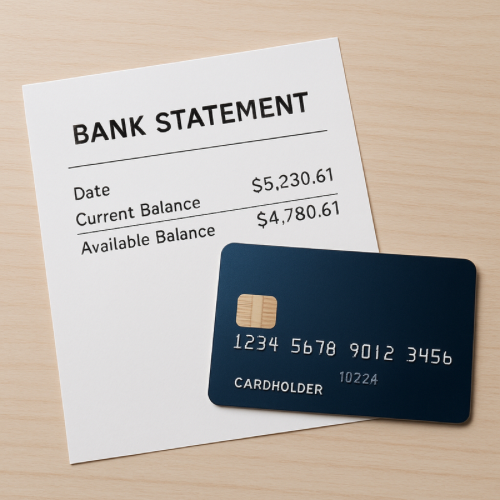
- Ledger balance (posted transactions only)
- Available balance (ledger minus holds)
- Projected or shadow balance
This difference can resemble how ledger and available balances may not match at a given moment.
When It’s Normal vs When It’s Unusual
Normal
- Recent card activity
- Pending deposits
- Temporary merchant holds
Unusual
- Shadow balance differs significantly for multiple days
- No matching pending transactions visible
- Repeated unexplained adjustments
Real-World Example
You spend $120 at a restaurant. The merchant authorizes the charge immediately. Your app subtracts $120 from the projected balance, but the official ledger does not update until settlement occurs the next business day.
What This Means for You
A shadow balance is typically a real-time calculation designed to prevent overspending before transactions fully post.
Bottom Line
If your bank shows a shadow balance, it reflects temporary processing activity rather than a separate or hidden account. The official ledger balance updates once transactions fully settle.