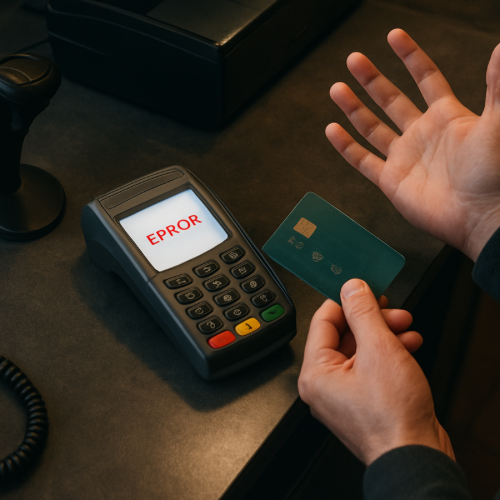
Why Do Card Readers Fail After Multiple Attempts?
You try to pay with your card, and it doesn’t go through. You try again… and again… and suddenly the reader stops responding or keeps failing every attempt.
It can feel like the system is getting worse the more you try, but that behavior is usually intentional.
The Short Answer
Card readers may fail after multiple attempts because they have built-in limits, timing resets, and security checks that trigger after repeated errors.
How Card Readers Process Payments
When you insert, swipe, or tap your card, the reader tries to capture your card data and send it for approval. If it fails, the system resets and tries again with the next attempt.
Each attempt is treated as a new transaction request.
Repeated Failures Trigger System Limits
After several failed attempts, the reader or payment system may temporarily stop accepting inputs. This is designed to prevent repeated errors and reduce the risk of fraud or system overload.
Instead of continuing indefinitely, the system pauses or blocks further attempts.
This is similar to how machines reject inputs that don’t meet expected conditions, where repeated mismatches lead to rejection.
Timing and Reset Delays
Card readers often need a moment to reset between attempts. If you try too quickly, the system may not be ready to process a new transaction.
This can cause repeated failures even if the card is valid.
Read Errors Add Up
If the card isn’t being read properly—due to positioning, chip issues, or contact problems—the system may keep receiving incomplete data.
After several unsuccessful reads, it may stop trying until the process is reset.
Security Checks
Some systems include security measures that limit repeated attempts. This helps prevent unauthorized use or repeated guessing of card data.
After a certain number of failures, the system may temporarily block further attempts.
Real-World Example
For example, you try to insert your card several times, but the chip isn’t reading correctly. After a few attempts, the reader stops responding or asks you to try a different method, such as tapping instead.
The system is preventing endless retries.
What to Expect
In most cases, waiting a few seconds or restarting the process will allow the reader to try again.
Using a different method—such as tap instead of insert—may also work.
If the problem continues, the issue may be with the card, the reader, or the connection.
This behavior can also connect to situations where card systems reject inputs due to sensitivity or connection limits.
A Simple Way to Think About It
Think of the reader like a system that needs a clean attempt each time. If too many attempts fail in a row, it pauses to reset instead of continuing to process errors.
When It’s Normal vs Unusual
It is normal for card readers to limit repeated attempts and require a reset.
If the reader fails consistently even with different cards, it may have a hardware or connection issue.
The Bottom Line
Card readers fail after multiple attempts because they are designed to limit repeated errors, reset between tries, and protect the system. Waiting briefly or restarting the process usually allows it to work again.


