Why Do Printers Store Print Jobs in a Queue?
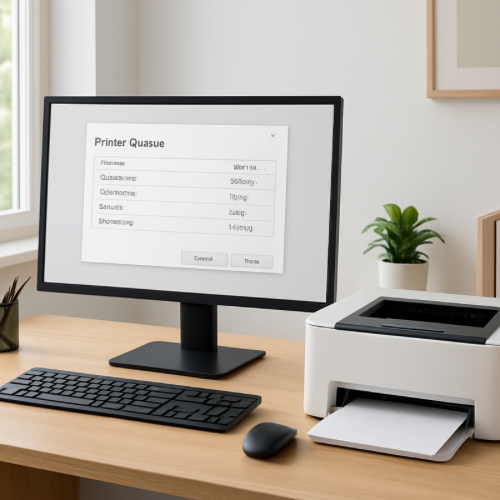
If you send a document to a printer, you may notice that it does not always print immediately. Instead, the document appears in something called a “print queue.”
The print queue is a system that organizes multiple print requests and sends them to the printer in the correct order. This helps printers handle many documents without becoming overloaded or losing information.
The Short Answer
Printers store print jobs in a queue so multiple documents can be processed one at a time in an organized order.
How the Print Queue Works
When you click “Print” on a document, the computer sends the file to a print management system called the spooler. The spooler temporarily stores the print job and places it into a queue with other pending jobs.
The printer then processes the jobs one at a time, starting with the first document in the queue.
Why Printers Cannot Print Everything at Once
A printer can only print one document at a time. If several people send documents to the printer at once, the printer needs a way to organize those requests.
The queue acts like a line. Each document waits its turn until the printer finishes the previous job.
Why Queues Help Prevent Errors
Without a queue, documents might be lost if several print commands arrived at the same time. The queue ensures that each request is recorded and processed properly.
This is especially important in offices where many computers share the same printer.
Why Print Jobs Can Be Paused or Cancelled
Because documents are stored in the queue before printing, users can often pause or cancel a job. This is useful if the wrong document was sent to the printer or if a large job needs to be stopped.
The queue system gives users and administrators control over the printing process.
The Bottom Line
Printers store print jobs in a queue so multiple documents can be organized and printed one at a time. This system prevents errors, keeps print requests from being lost, and allows users to manage their documents before they are printed.