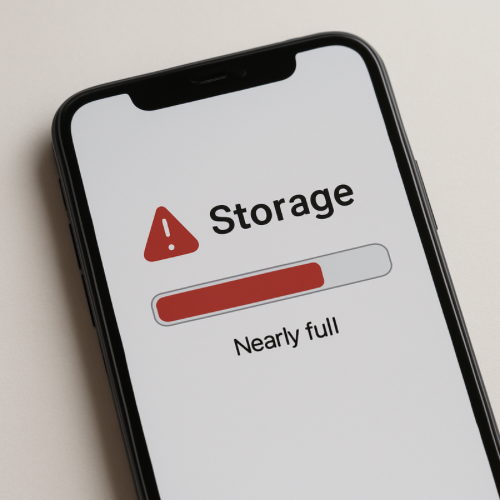
Why Does Your Phone Say “Storage Almost Full”?
Your phone says “Storage Almost Full” when it is running out of available space to store data. This means there is limited room left for apps, photos, videos, and system files.
The warning appears to prevent performance problems.
What It Is
Storage is the space inside your phone used to hold data.
When storage fills up, the phone cannot save new information easily.
How It Works
Phones manage storage automatically in the background.
- Apps, photos, and videos take up space.
- System updates and temporary files also use storage.
- Available space gradually decreases.
- The phone issues a warning when space is low.
This helps prevent slowdowns or errors.
Why It Happens
Modern phones store large files and app data.
Media files and updates can quickly fill available space.
Common Examples
- Receiving a storage warning after taking photos
- Unable to install new apps
- Phone slowing down due to low storage
- Updates failing to download
What to Know Next
Temporary files may be cleared automatically.
Cloud storage can reduce local space usage.
Simple Cautions
Ignoring storage warnings can affect phone performance.
Low storage may prevent important updates.
Closing Summary
Your phone shows “Storage Almost Full” when available space is limited. The warning helps prevent performance issues caused by running out of storage.


