Why Does My Package Say “Out for Delivery” All Day?
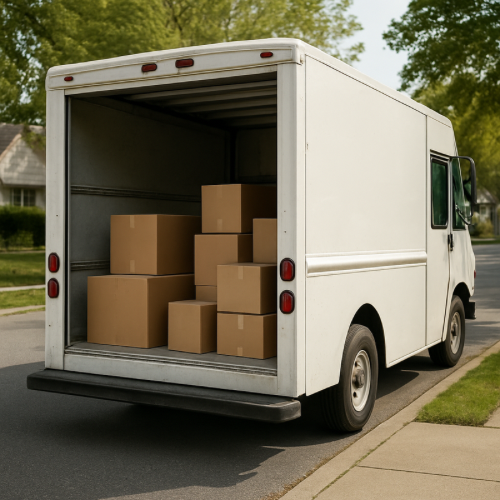
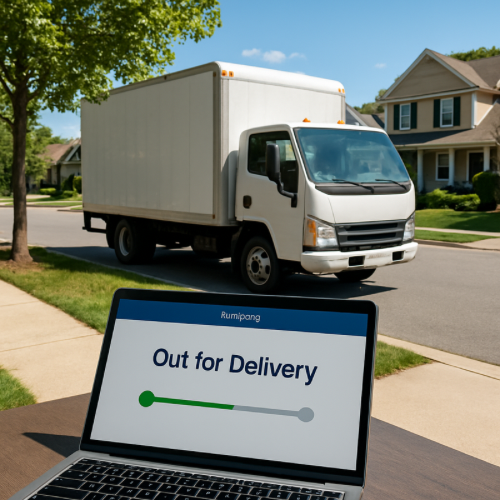
The status “Out for Delivery” means the package has been loaded onto a local delivery vehicle, but it may not yet have reached your stop on the route.
Route Sequencing
Delivery drivers follow optimized routes based on location clusters.
Your address may be scheduled later in the day.
High Package Volume
During peak seasons, drivers may carry large numbers of packages.
Delivery timing can extend into the evening.
Traffic and Weather Delays
Unexpected traffic or weather conditions can slow route progress.
The tracking status may not update until final delivery.
Multiple Delivery Zones
Some drivers handle more than one neighborhood.
Packages may remain marked “Out for Delivery” while other stops are completed first.
Scanning Practices
Packages are often scanned when loaded onto the truck.
No additional status updates occur until the final scan at delivery.
Extended Delivery Windows
Many carriers deliver until late evening hours.
The status can remain active throughout the full delivery shift.
Shipping System Practice
“Out for Delivery” confirms the package is on a local route.
It does not indicate a specific delivery time within that day.